.png?width=189&height=28&name=Multihub%20Logo%20Color%20(1).png)
How do I deploy changes in MultiHub or VibeSites?
To deploy changes in MultiHub or VibeSites, click Deploy Now in the Deployments panel — your changes go live within minutes. Every edit you make is automatically saved as a draft until you're ready to publish. There is no queue: each deployment pushes all pending draft changes to your live site at once.
What are the steps to deploy?
Method 1: VibeSites Editor
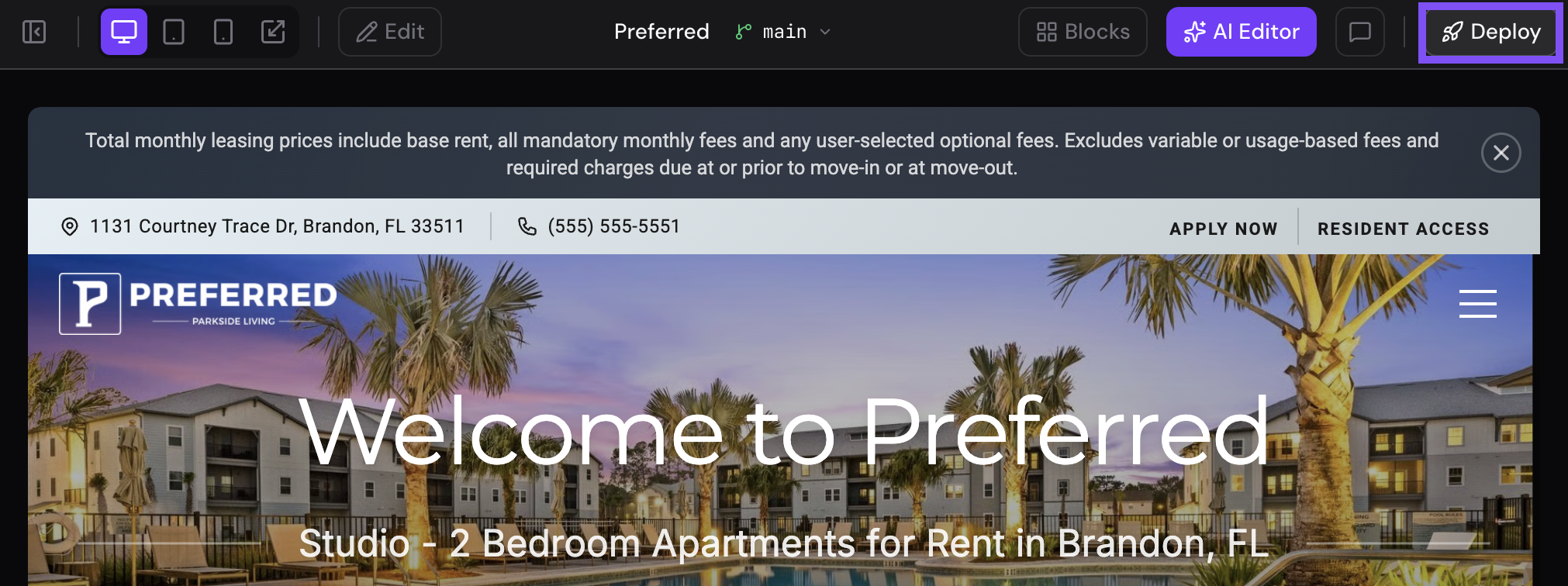
- Within the VibeSites Editor, select Deploy in the top right
- Leave a quick comment letting us know what you changed.
- Click Deploy to publish your changes. 🚀
Method 2: Deployments Dashboard
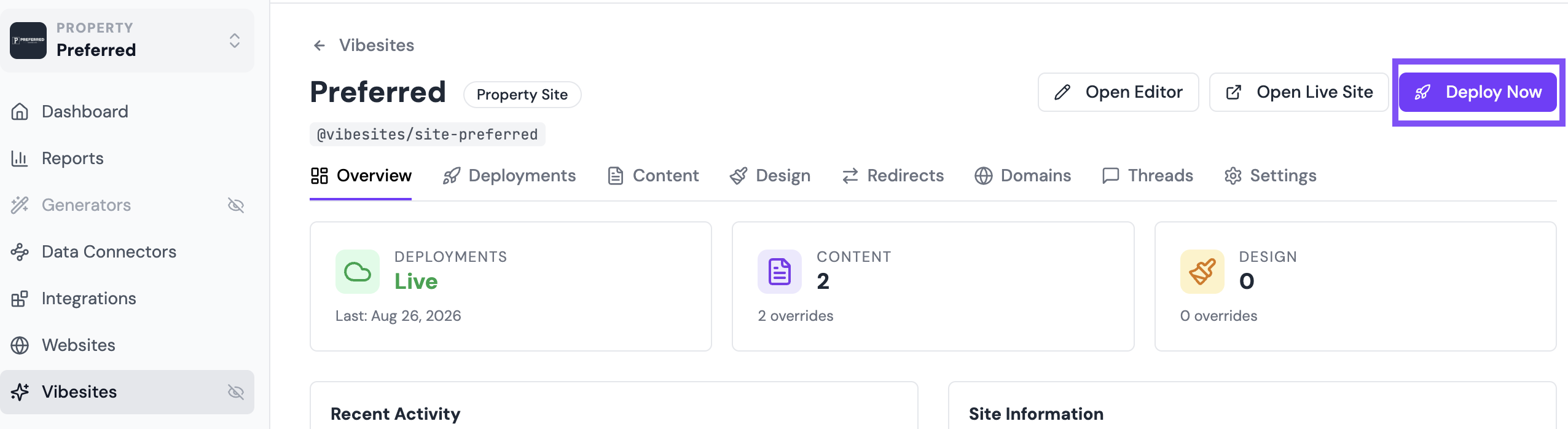
- In MultiHub, go to your Property → VibeSites → Dashboard → Deployments.
- Review all pending draft changes to confirm everything is ready to publish.
- Click Deploy Now in the top right to publish all pending changes to your live site. You'll be prompted to add a brief comment describing what you changed.
🌟 Best practice: Before you hit Deploy Now, take a quick look at all pending changes. It only takes a moment and saves you from accidentally pushing an unfinished edit from a teammate.
💡 Not sure how changes end up in draft? See How to Edit Website Content for a complete guide to all four ways to update your site.